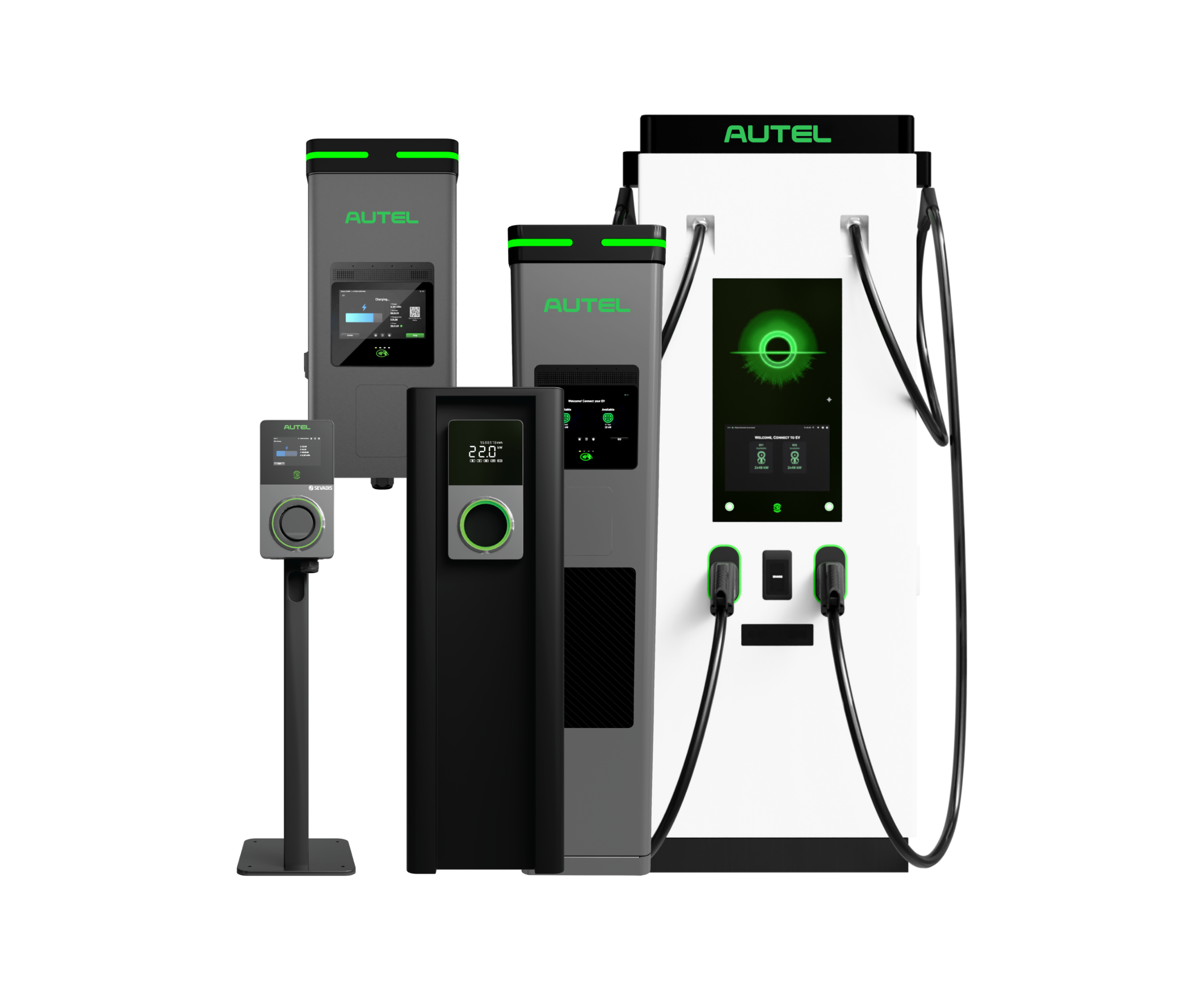
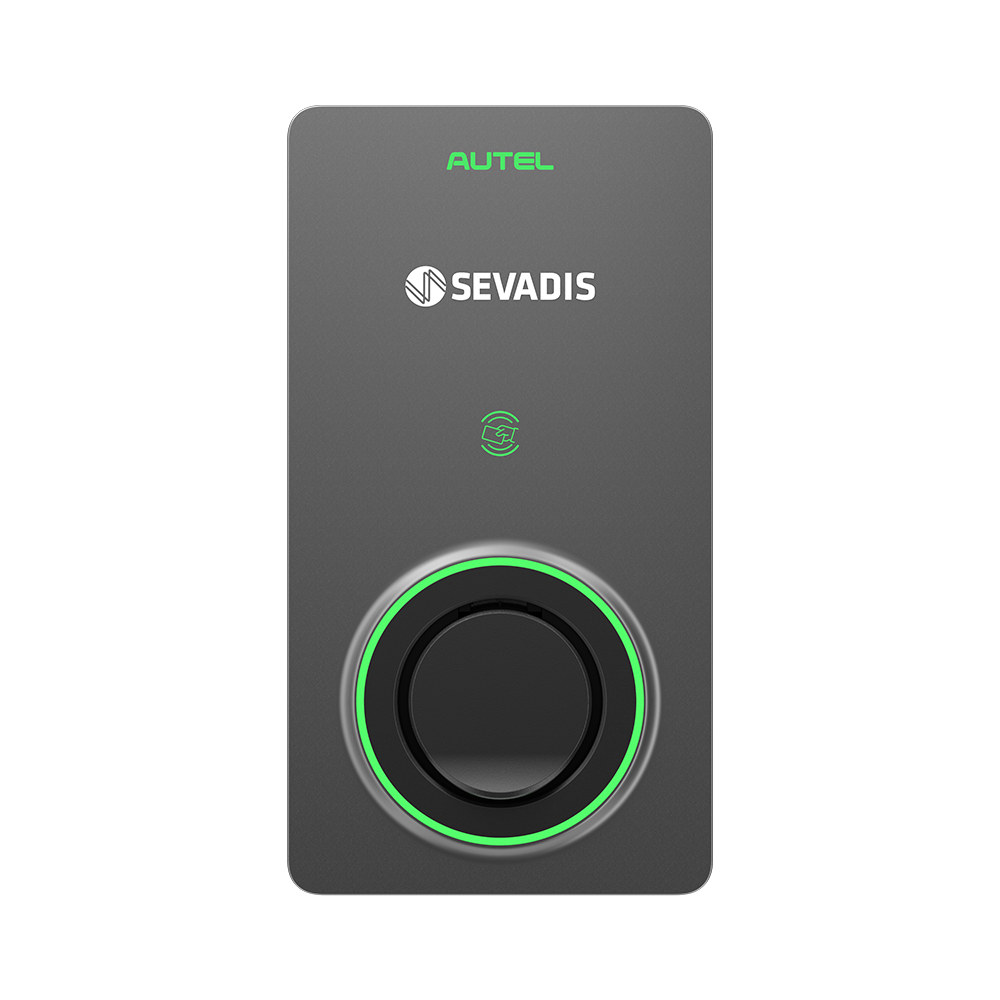
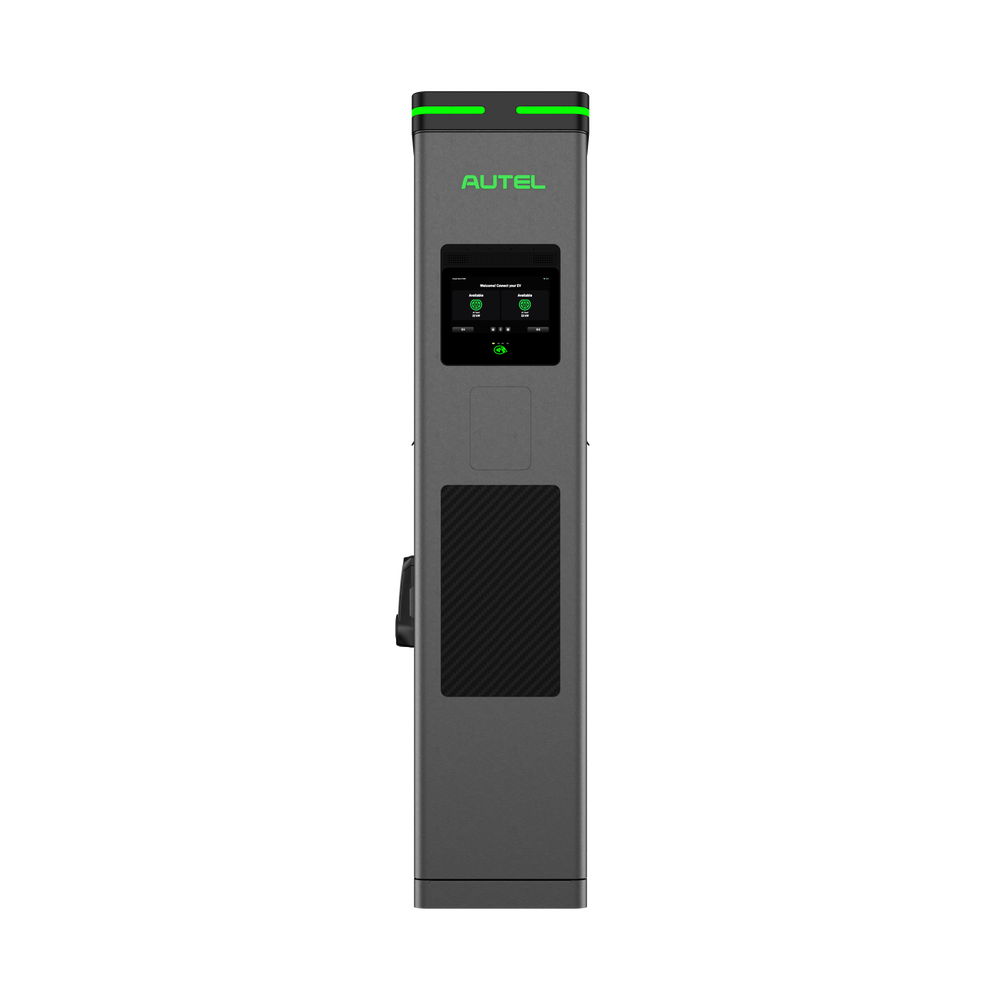
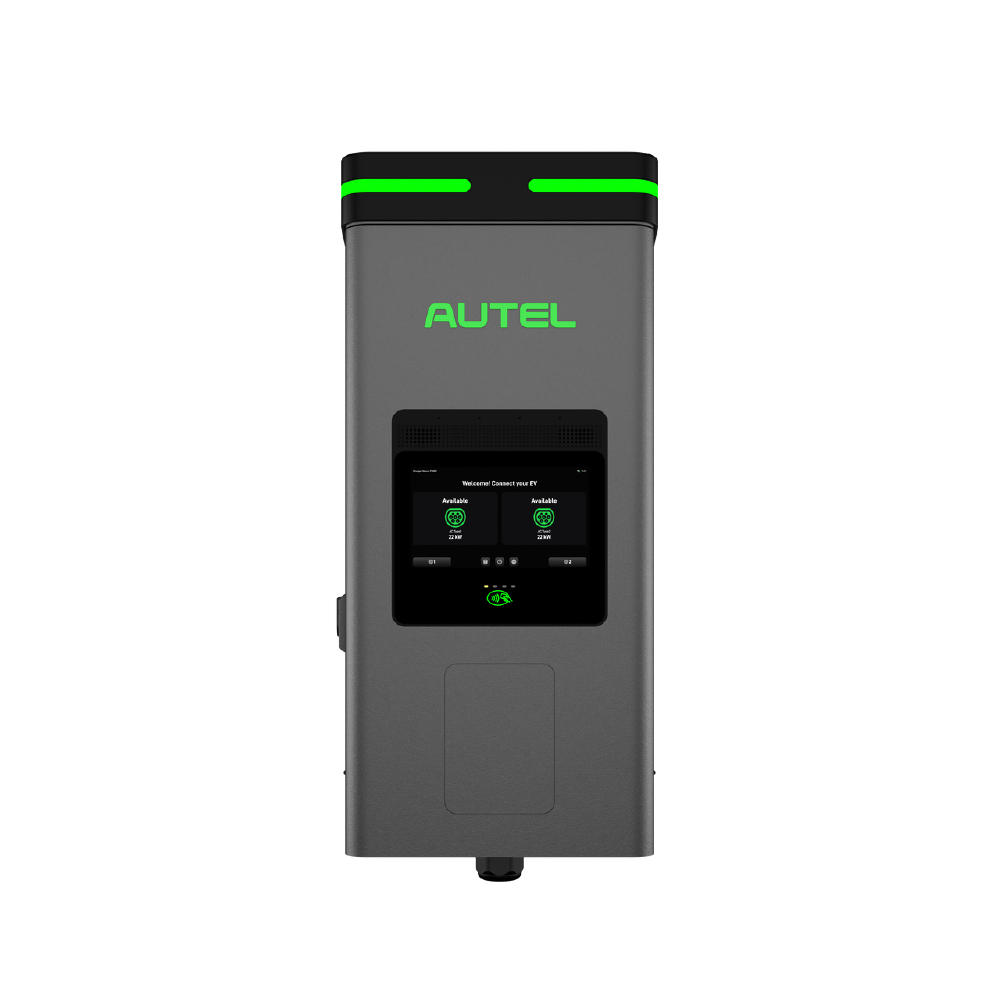
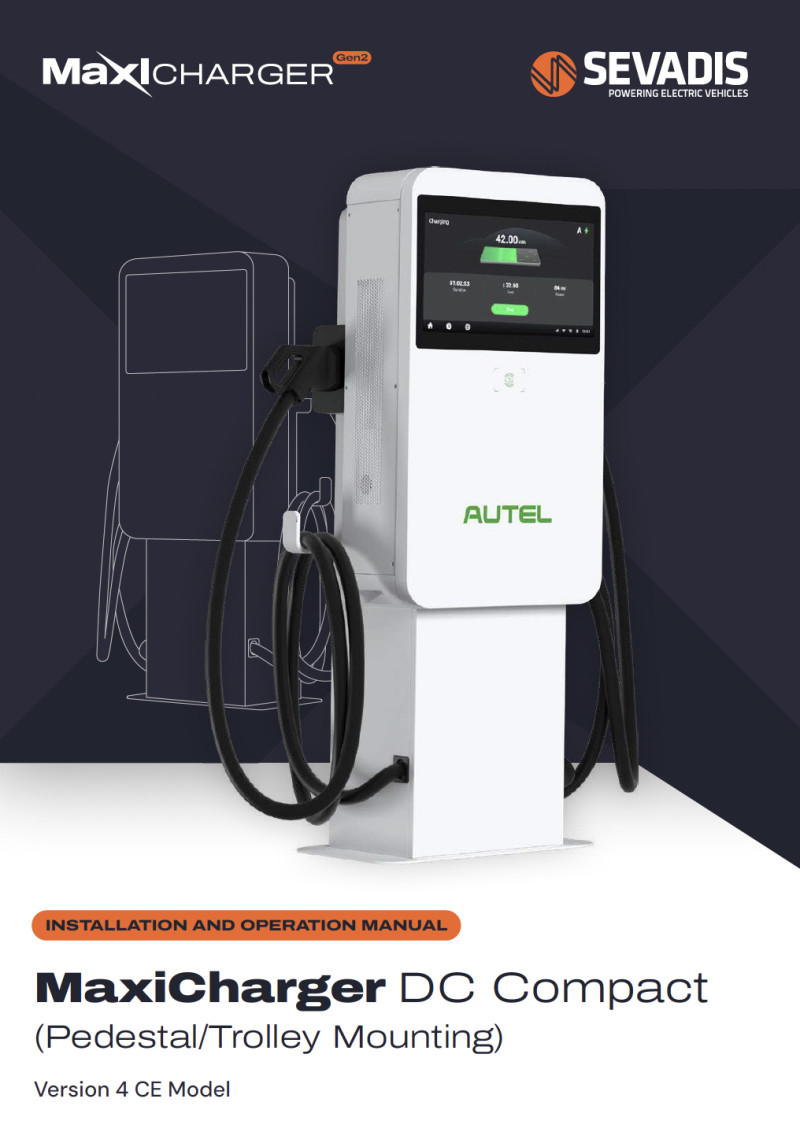
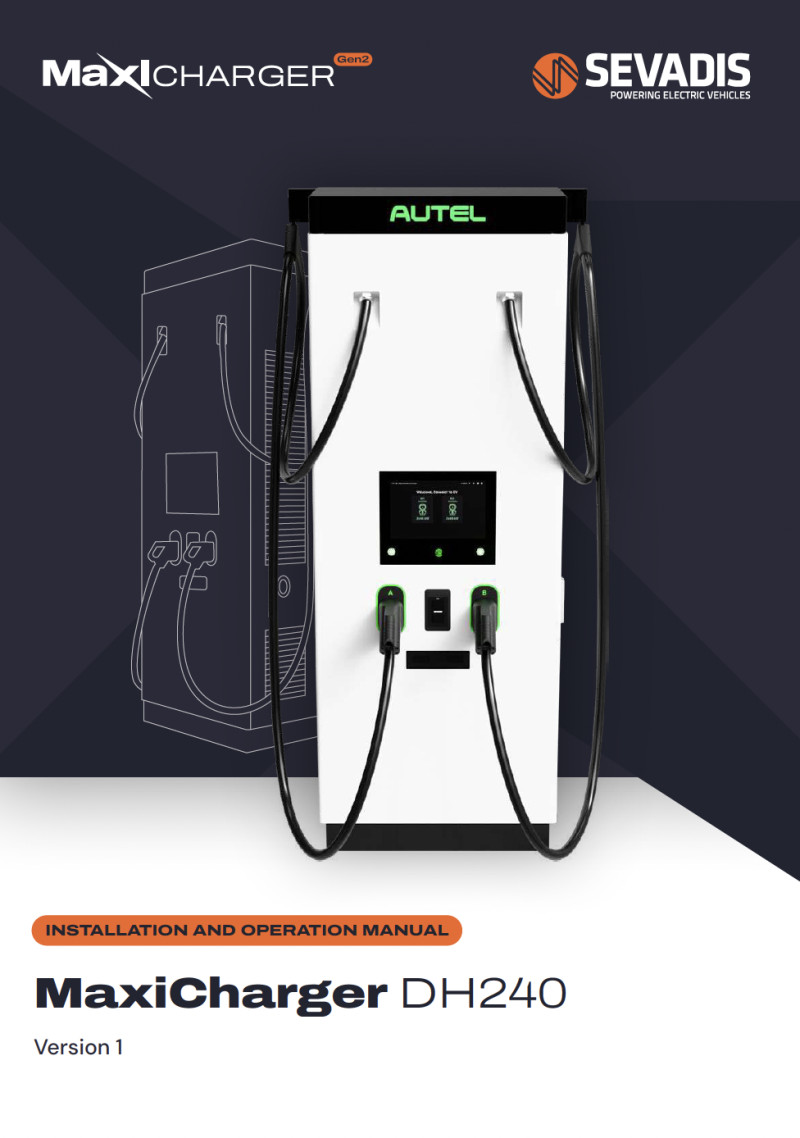
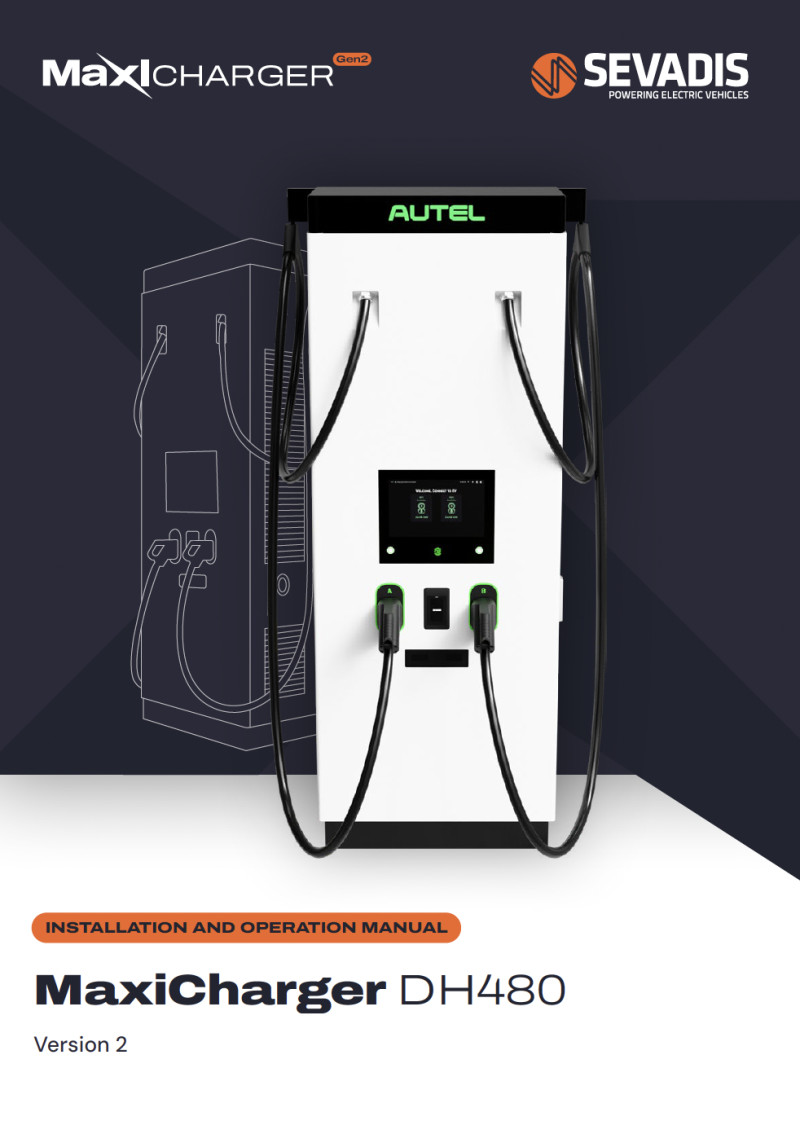
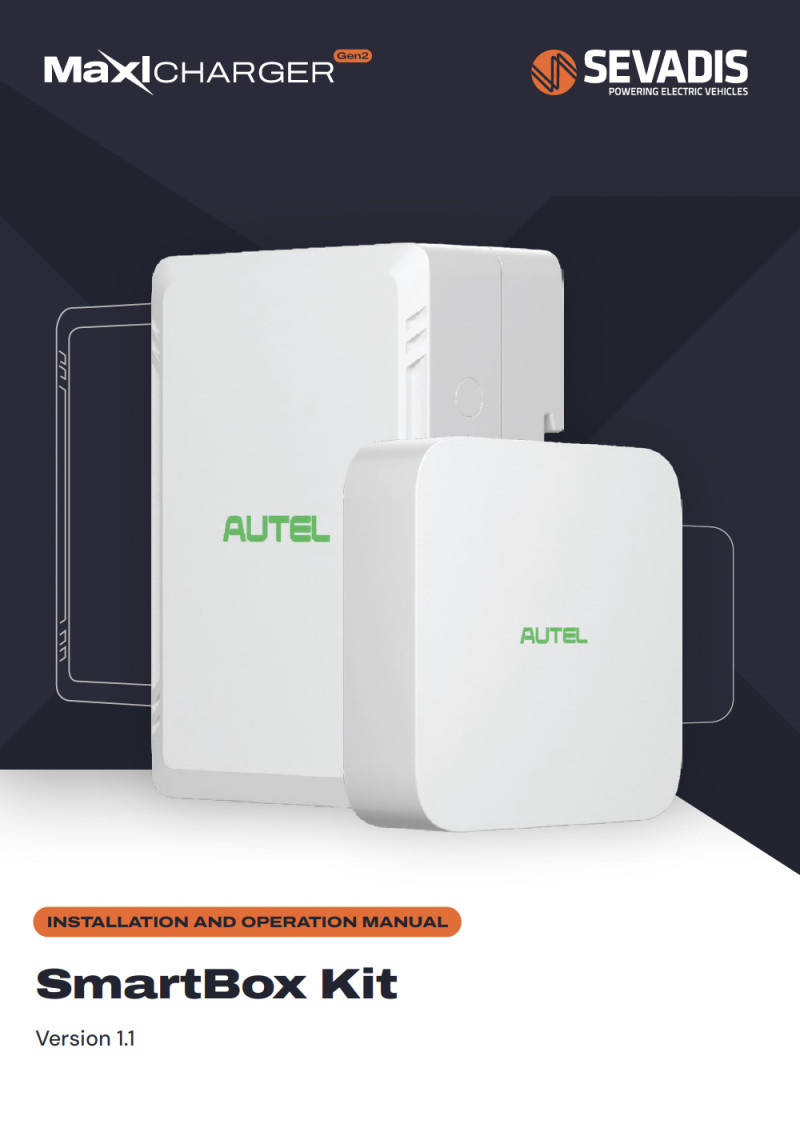
Below you will find useful documents, videos and commonly asked questions to help you with the installation of our EV charging products. If you can’t find the answer below, get in touch on [email protected] or 0330 058 7144 and one of our friendly technical support team will be happy to help.
Technical support
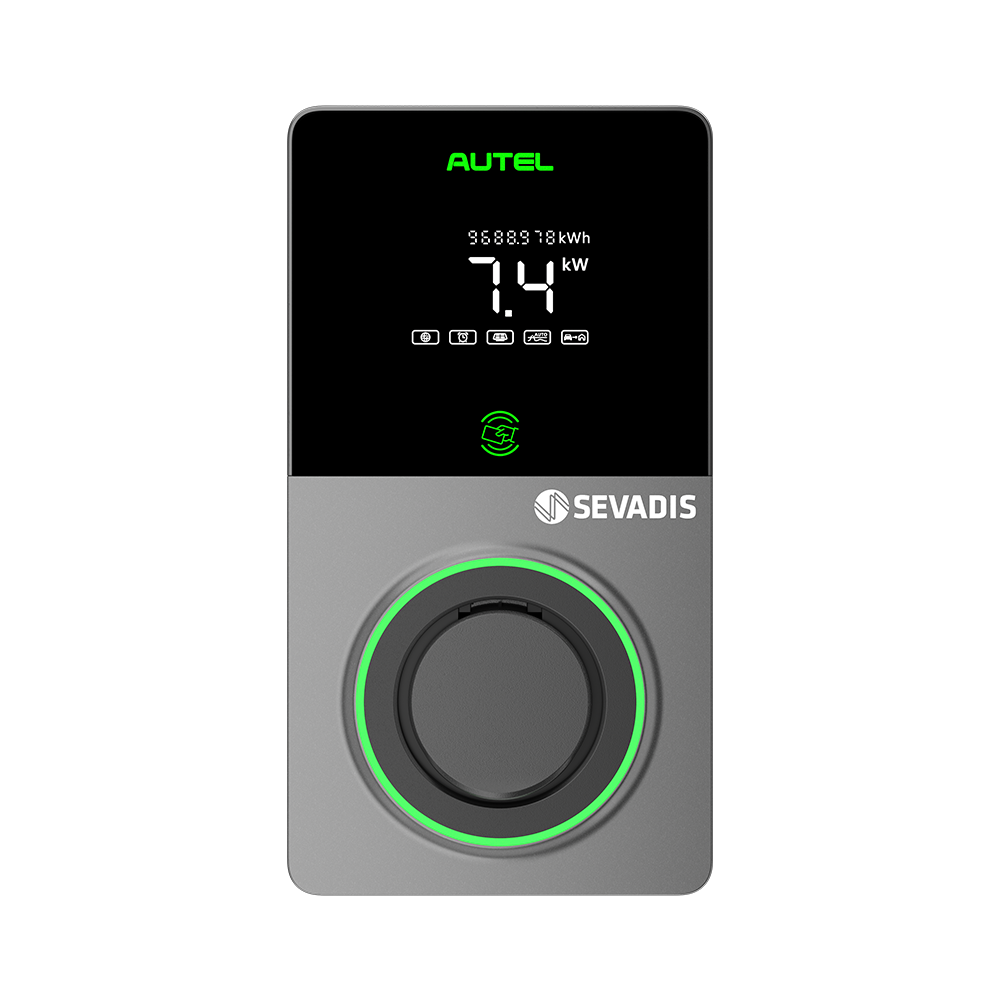
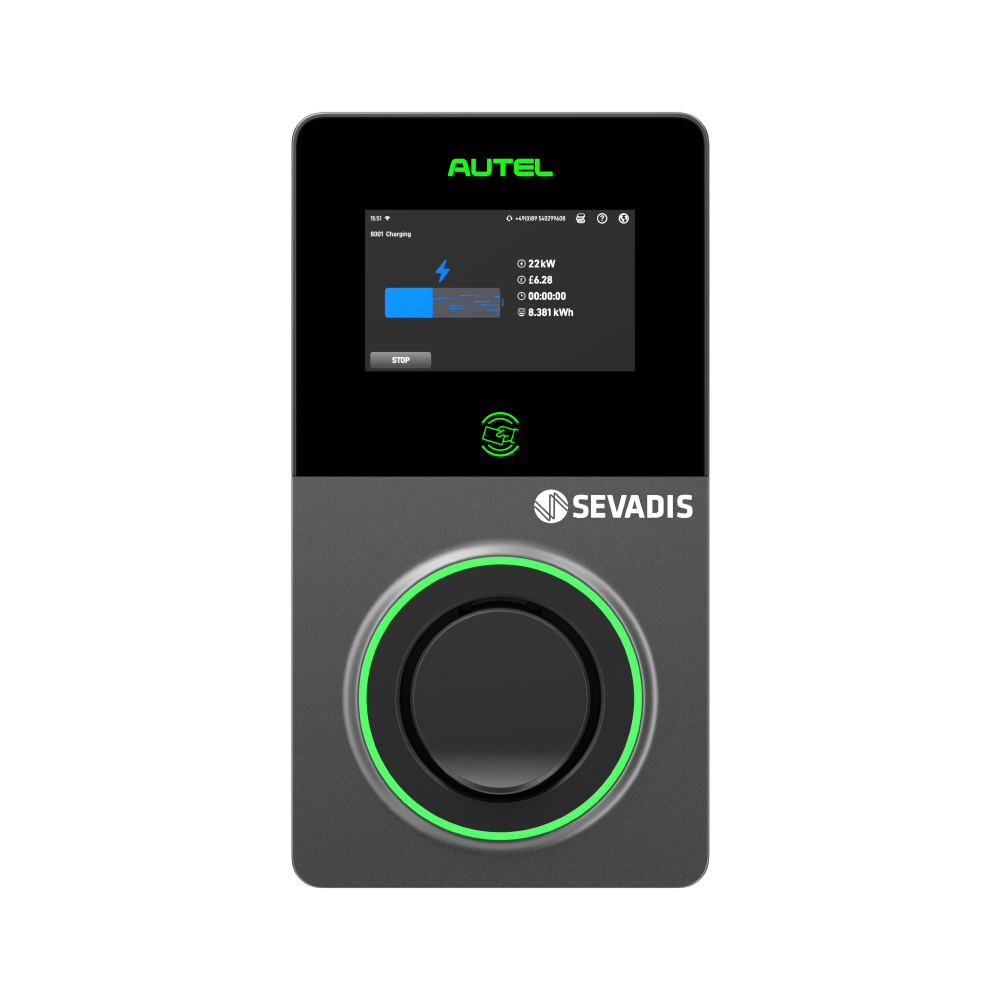
MaxiCharger AC Installation
The MaxiCharger AC installation involves the following:
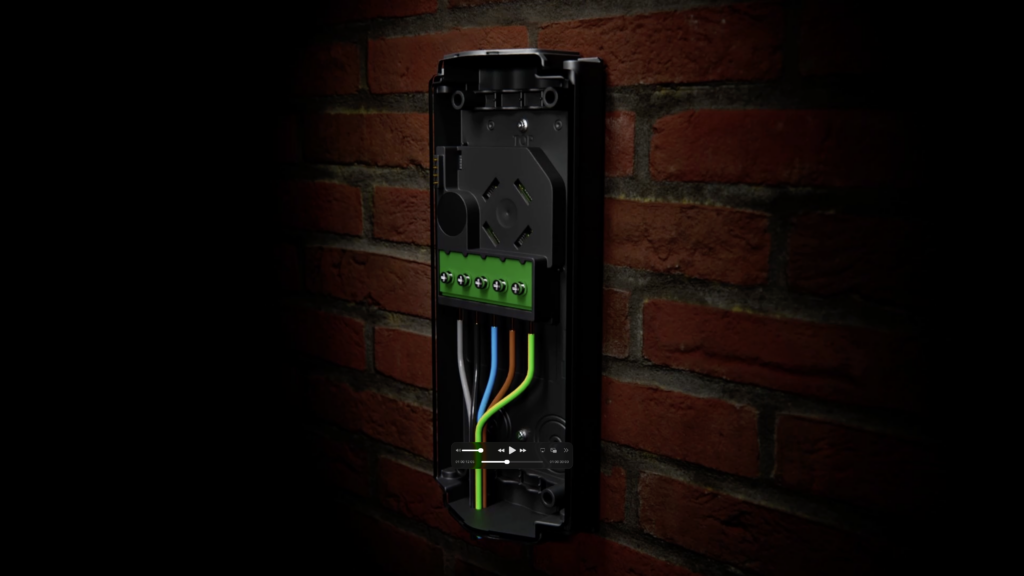
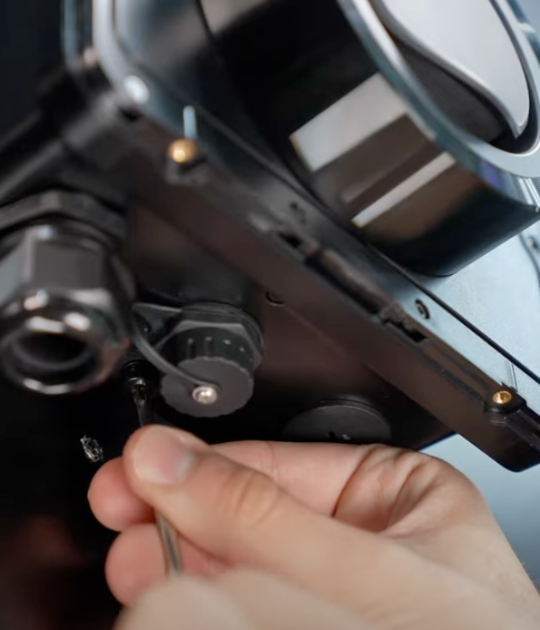
(1) hardware installation (power connection) .
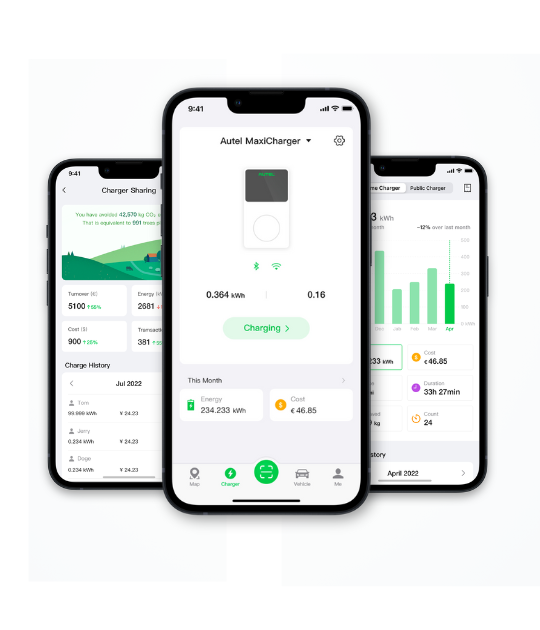
(2) software configuration (smart connectivity).
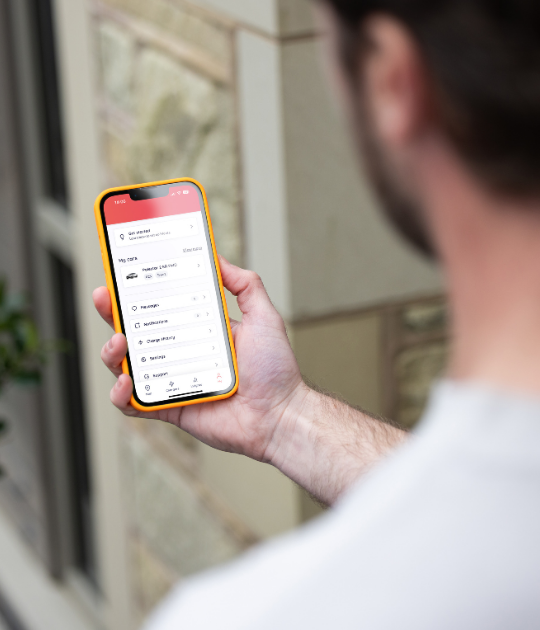
You will need to download the Autel Config App and Autel Charge App via Google Play or the App Store to complete configuration.
For your first installation you will need a specific, individual account number and password to access the Autel Config App. This account number and password will be used for each of your installations thereafter.
Please call Sevadis on 0330 058 7144 or email [email protected] to get your account number and password set up. We recommend you do this prior to attending site for installation.
Fast MaxiCharger Gen 2 Commissioning with Autel Charge App
Access Advanced Settings and Configuration with Autel Config App
An Autel account is required for advanced settings via Autel Config App. Check your email for your invitation, or call 0330 058 7144 if you haven't received one.
EV CHARGING
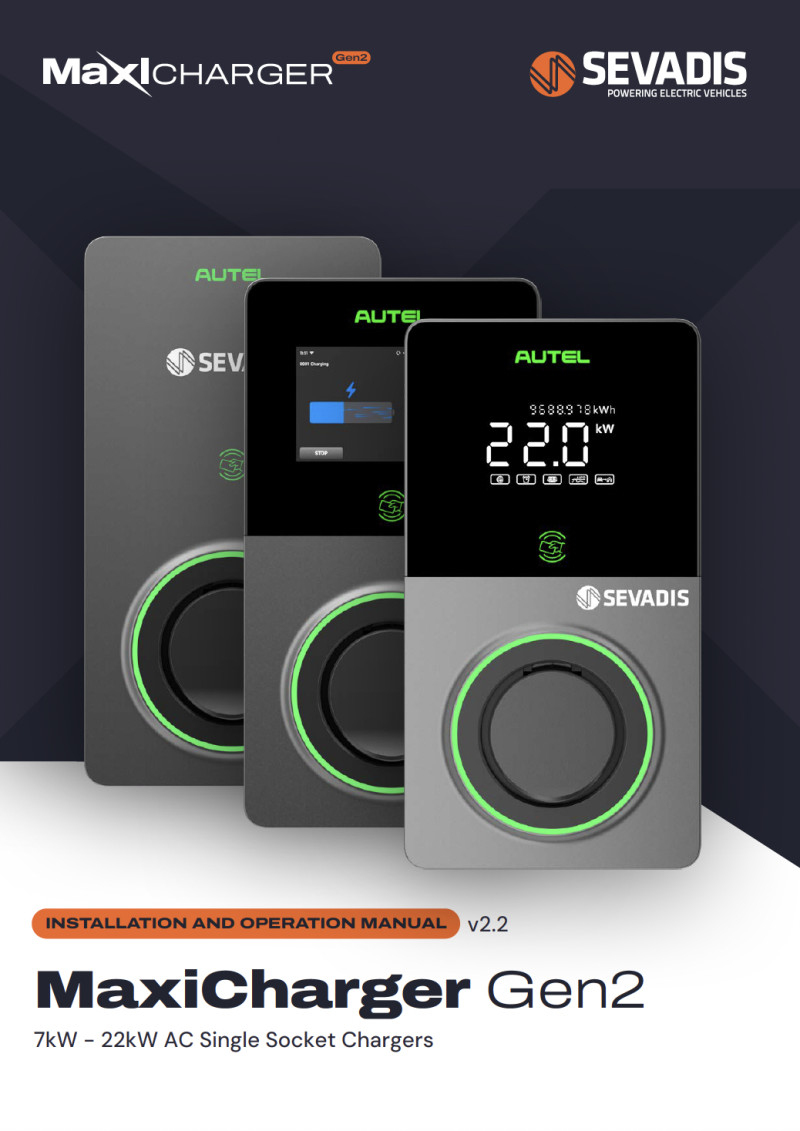
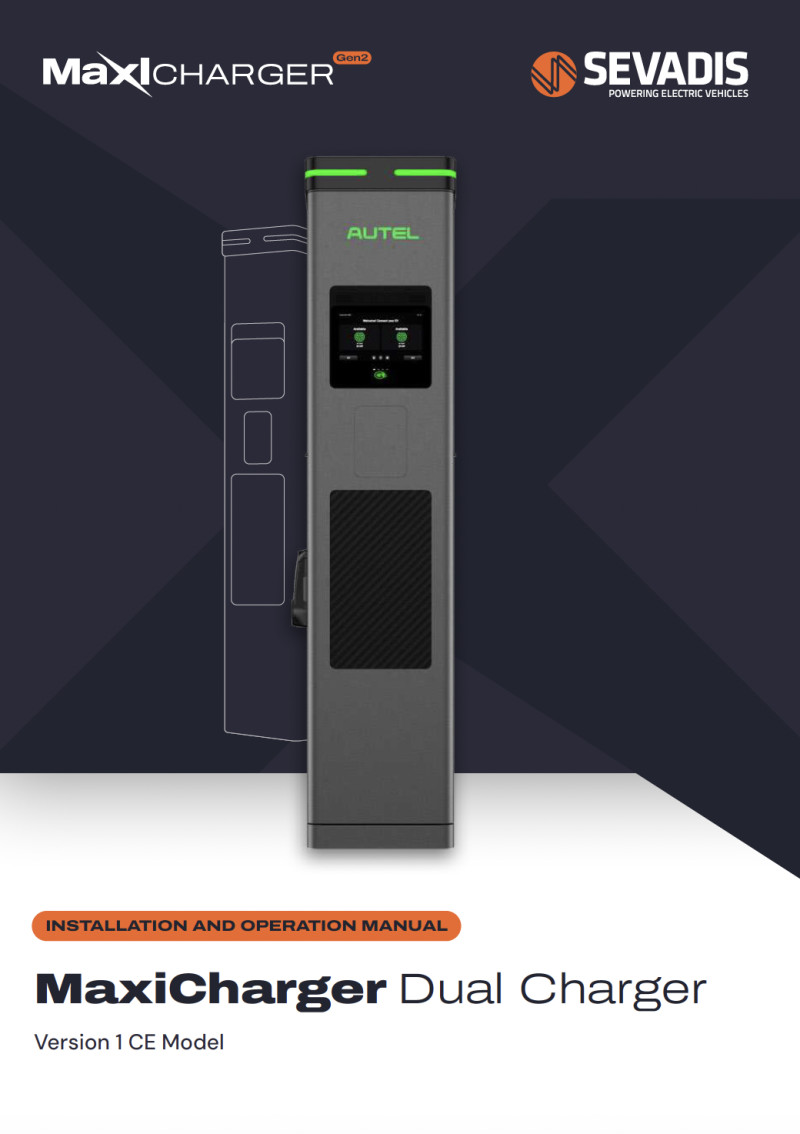
MaxiCharger Installation Guidelines
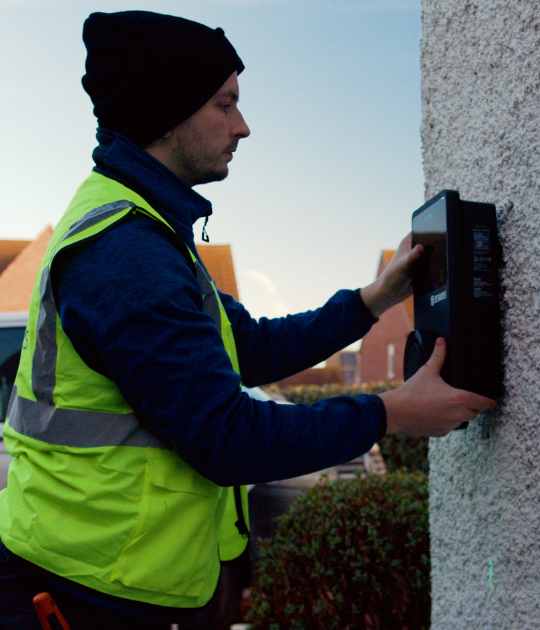
Our chargers are designed to be easy to install and use. Instruction manuals and guidelines are included in the packaging when purchased and available below too. Watch our videos to see a step by step installation.